One click, you’re in.
Pick an app from your menu bar. It opens in its own compact window, with Android running quietly in the background.
Your apps, your wallpaper, your everyday.
A little space that feels like your own phone, on your Mac.
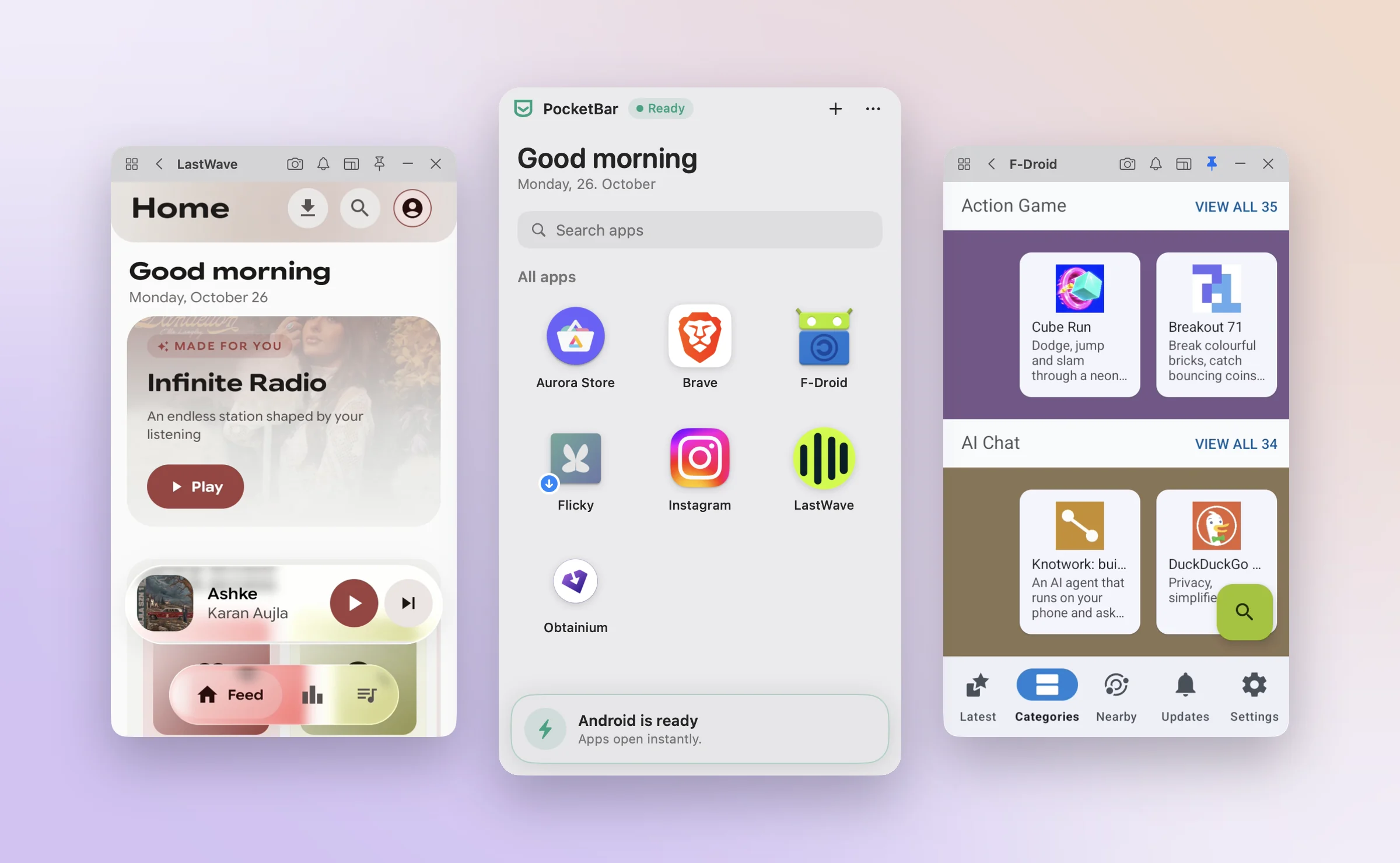
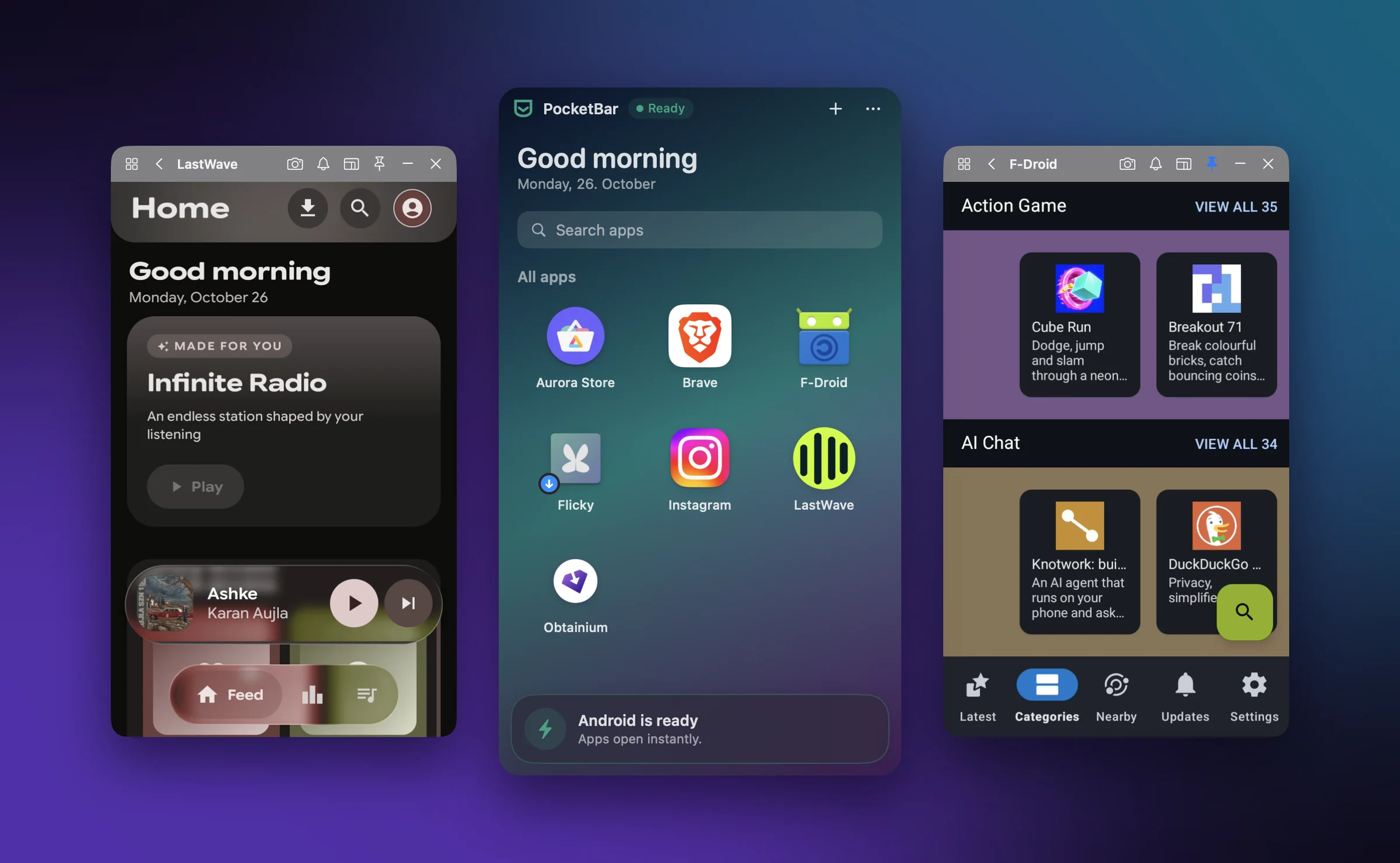
Everything you need, right in your menu bar.
Pick an app from your menu bar. It opens in its own compact window, with Android running quietly in the background.
Pick a theme, set a wallpaper or your own photo, and keep favourites up front. Light and dark follow your Mac.
Drop in files, control your music and get notifications alongside your work. Copy and paste between Mac and Android with Pro.
Keep private apps behind your fingerprint. They lock again shortly after you hide them.
Give a favourite app its own menu bar icon and open it with ⌥1–⌥9. One pin is free, unlimited with Pro.
Grab a screenshot of any app in one click. Pro records the screen with its sound, saved straight to your Mac.
Blocks ads and trackers across your Android apps. Nothing extra to install, one switch in Settings.
Install from F-Droid, IzzyOnDroid or Aurora Store, or drop in an APK. A badge tells you when an update is ready.
Save an app with all its data to a single file on your Mac, and bring it back any time.
Everyday essentials are free. All Pro features are currently unlocked during development; pricing will be announced later.
| Feature | Free | Pro |
|---|---|---|
| Apps, audio & notifications | Included | Included |
| Themes, wallpapers, updates & ad blocker | Included | Included |
| Screenshots | Included | Included |
| Apps in your menu bar | 1 app | Unlimited |
| Copy & paste between Mac and Android | — | Included |
| Multiple apps at once | — | Included |
| Recording with sound | — | Included |
| Backup & restore | — | Included |
| Touch ID app lock | — | Included |
Requires Apple Silicon M1 or newer, macOS 14+ and 3–8 GB for Android. Choose Android 11–16, with separate data for each version.
Compatibility varies. Google Play Services are not included, so some apps—including banking and payment apps—may not work fully. PocketBar supports Android apps only and is designed for everyday tasks rather than gaming.
The current build uses a development certificate and is not yet notarized, so macOS may show a first-launch warning.
Questions? [email protected]
Download for Apple Silicon Macs. Android downloads separately during setup.